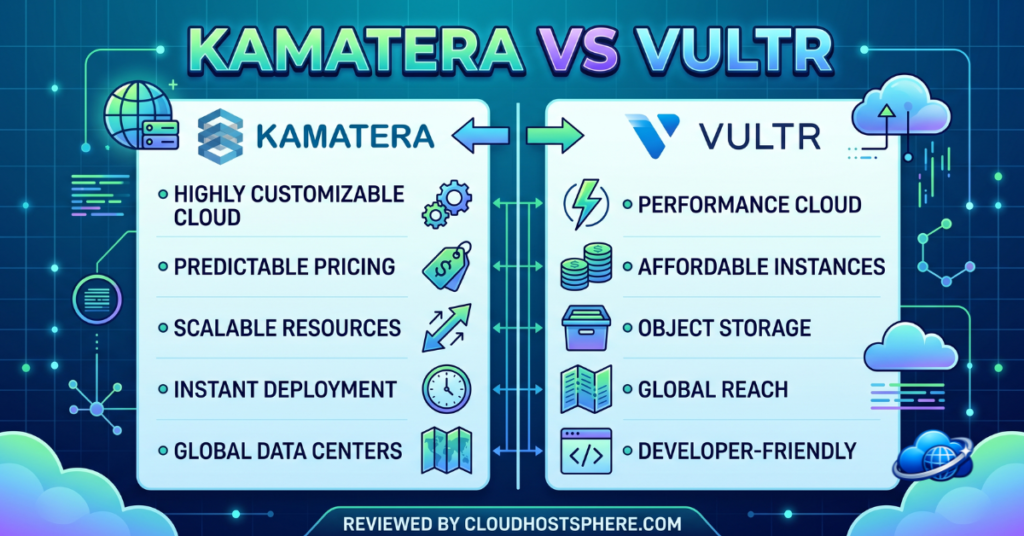
📊 Quick Comparison: Kamatera vs Vultr
| Category | Kamatera | Vultr |
|---|---|---|
| Starting Price | ~$4/mo | ~$5/mo |
| Configurability | ⭐ Fully custom build | Fixed + flexible tiers |
| Data Centres | Global (4 continents) | ⭐ 32 locations |
| Managed Option | ✅ Yes | ❌ Unmanaged |
| Cloud GPU | Limited | ✅ Yes |
| Free Trial | ✅ 30 days | Credit for new users |
| Overall Rating | 4.5/5 | 4.6/5 |
Kamatera vs Vultr: Two Great Clouds, Different Philosophies
Kamatera and Vultr are both excellent cloud infrastructure providers — but they appeal to slightly different people. The simplest way to frame it: Vultr is the developer’s cloud, built around fast, simple, self-service instances and an enormous global footprint. Kamatera is the business cloud, built around total configurability and the option of managed services. Both are powerful and fairly priced. Let’s break down where each one wins.
Pricing & Flexibility
Both start at very similar entry prices — around $4–$5/month — and both bill by the hour so you only pay for what you use. The difference is how you buy. Vultr offers a clean menu of plans (with some flexibility), which is quick and easy to pick from. Kamatera lets you build a server from scratch — choosing CPU, RAM, and storage independently — which is more powerful for businesses with specific needs but slightly more involved to set up.
Managed vs Unmanaged: The Biggest Difference
This is the deciding factor for many people. Vultr is unmanaged — you get a powerful raw server, but you’re responsible for security, updates, and administration. It’s brilliant if you’re a developer who wants control, but daunting if you’re not.
Kamatera offers optional managed services — so a business that doesn’t want to run its own server can hand that off to Kamatera’s team. If you need someone else to handle the technical side, Kamatera has an answer that Vultr simply doesn’t. (If you want managed Vultr specifically, you’d pair it with a platform like Cloudways.)
Performance & Global Reach
Both run on enterprise hardware with NVMe storage and deliver excellent performance. Where they differ is reach. Vultr has 32 data centre locations across six continents — one of the widest footprints in the business, ideal if you need to be physically close to users in many regions. Kamatera has a strong global network too (North America, Europe, Middle East, Asia), but Vultr’s sheer number of locations gives it the edge for global distribution.
One area where Vultr stands out further is Cloud GPU — affordable NVIDIA GPU instances for AI, ML, and rendering, which Kamatera offers more limited options for.
Who Should Choose Which?
Choose Kamatera if…
- You want a server built to exact specs
- You need optional managed services
- You’re a business wanting flexible enterprise cloud
- You want a generous 30-day free trial
Choose Vultr if…
- You’re a developer who wants simple, fast self-service
- You need the widest global location choice (32)
- You want affordable Cloud GPU for AI/ML
- You’re happy managing your own server
The Verdict
You genuinely can’t go wrong with either — both are top-tier cloud providers. Vultr is the better pick for developers and anyone who wants fast, simple, self-managed cloud with massive global reach and GPU options. Kamatera is the better pick for businesses that want total configurability and the safety net of optional managed services. Match your choice to whether you’d rather run the server yourself (Vultr) or have the option to hand it off (Kamatera), and you’ll be delighted with either.
Want the full details? Read our Kamatera review and Vultr review, or see our best VPS hosting roundup.
Last updated: June 5, 2026. Pricing and features checked against official Kamatera and Vultr information at the time of writing.